
Media Management Interface
This guide provides a comprehensive overview of how to add, configure, and manage MMIs using the ParOne platform.
Adding MMIs
Section titled “Adding MMIs”Click on “Media Managment Interface” in the sidebar, and click “Add MMI” in top right part of the screen.
Configuring MMIs
Section titled “Configuring MMIs”-
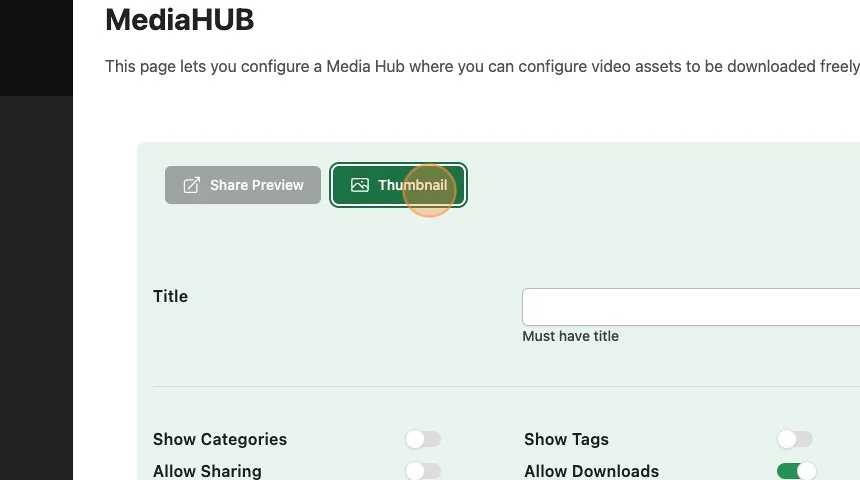
Add a thumbnail to identify this MMI in the list of MMIs.
-
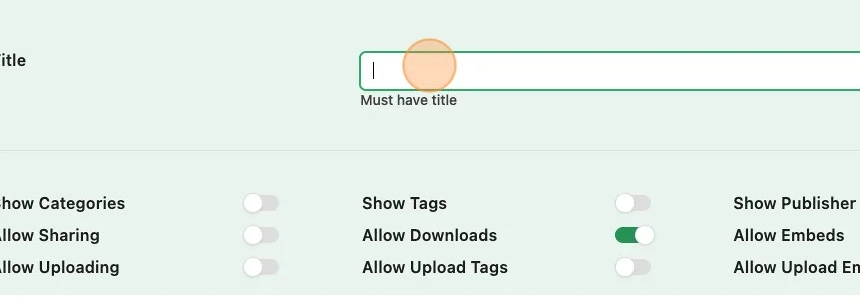
Give your MMI a title.
-
Configuring what the MMI allows users to do
-
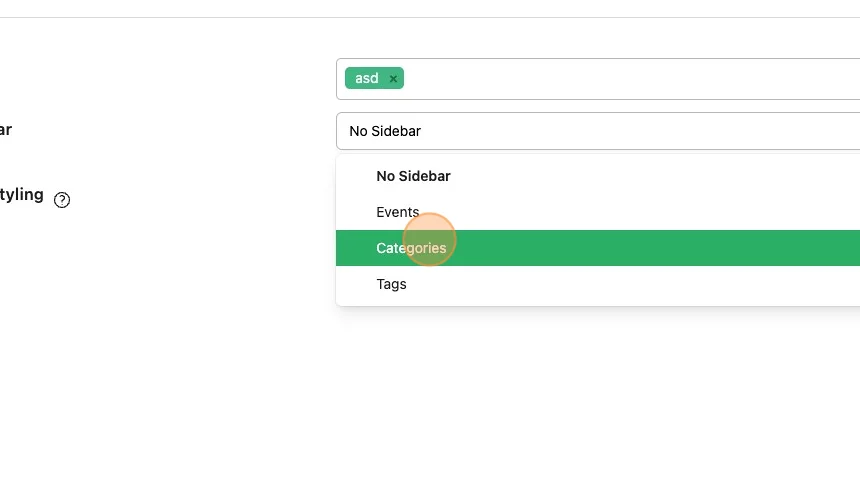
Select a sidebar settings. You can customize the order these items appear.
-
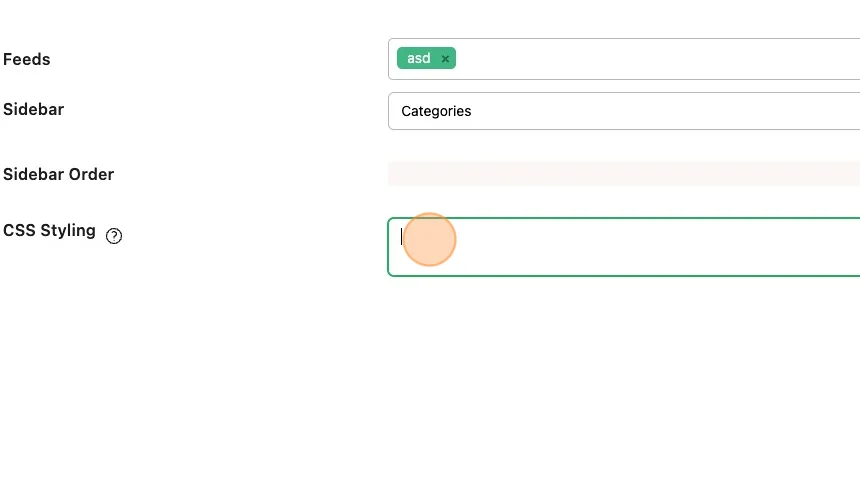
Add CSS Styling to make your MMI your own.
-
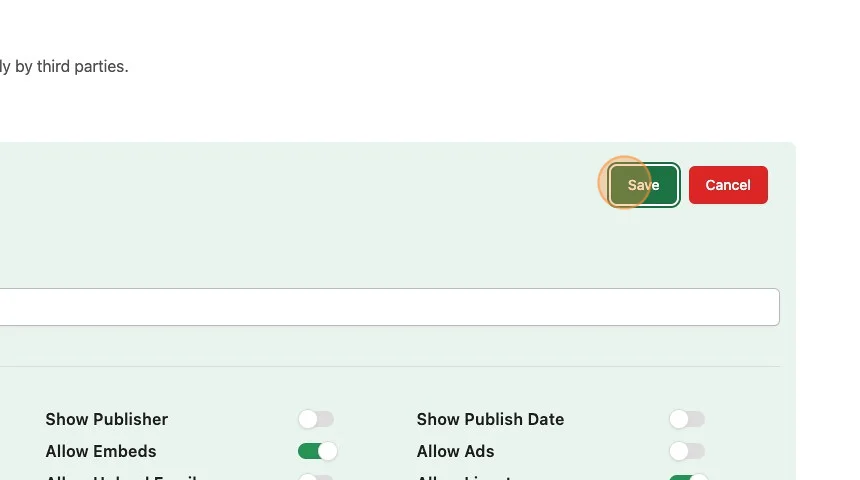
Remember to Save!
Integrating MMI
Section titled “Integrating MMI”The MMI system is available both as a single all-in-one component, where the entire UI is in one page & one tag, and as a collection of standalone components that can be integrated into separate pages.
All-in-one
Section titled “All-in-one”-
Add
<script>TagInclude the ParOne MMI SDK script tag in your website’s
<head>section.<head> <script src="https://mmi.parone.io/mmi.min.js"></script> </head> -
Insert
<parone>Tag Insert the ParOne MMI tag into your site’s<body>section. ReplaceYOUR_MMI_KEYwith your MMI key. ReplaceUSER_AUTH_TOKENwith a token that authenticates the current user for the MMI specified.<body> <parone-mmi mmi-key="YOUR_MMI_KEY" auth-token="USER_AUTH_TOKEN"/> </body>
Standalone
Section titled “Standalone”-
Add
<script>TagInclude the ParOne MMI SDK script tag in your website’s
<head>section.<head> <script src="https://mmi.parone.io/mmi.min.js"></script> </head> -
Insert
<parone>Tag The MMI system Insert the ParOne MMI tag into your site’s<body>section. Each component has its own tag and requires an mmi-key and auth-token to be provided. The relative paths to use for navigating to the other pages must also be provided. ReplaceYOUR_MMI_KEYwith your MMI key. ReplaceUSER_AUTH_TOKENwith a token that authenticates the current user for the MMI specified.Content List
Section titled “Content List”<body> <parone-mmi-list editor-path="EDITOR_PATH" reports-path="REPORTS_PATH" mmi-key="YOUR_MMI_KEY" auth-token="USER_AUTH_TOKEN"/> </body>Content Editor
Section titled “Content Editor”<body> <parone-mmi-editor list-path="LIST_PATH" mmi-key="YOUR_MMI_KEY" auth-token="USER_AUTH_TOKEN"/> </body>Reports
Section titled “Reports”<body> <parone-mmi-reports list-path="LIST_PATH" mmi-key="YOUR_MMI_KEY" auth-token="USER_AUTH_TOKEN"/> </body>