
Settings
This page provides a step-by-step guide to setting up and configuring ParOne for your team.
Account
Section titled “Account”The Account section is where you can control your personal information and settings.
Notification
Section titled “Notification”The following steps will turn on email notifications of new videos.
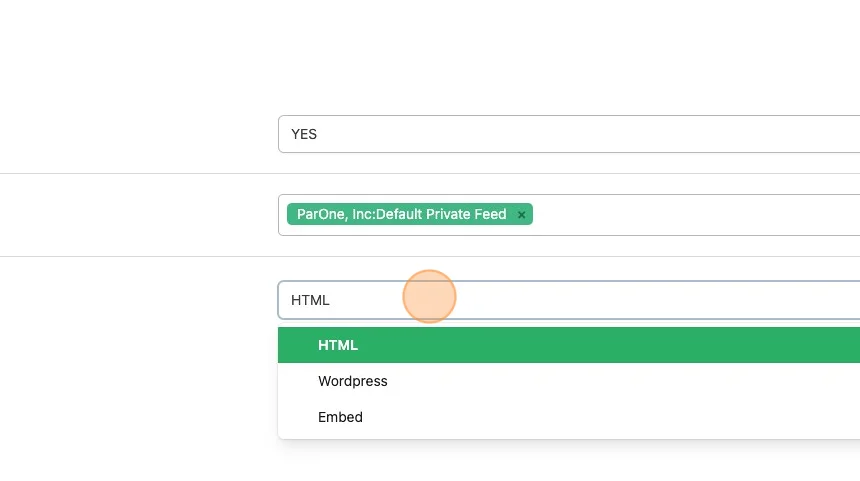
- For Emailing New Videos, select
YESorNO - Select the Feed(s), you would like to have emailed to you when there is a new video in them.
- Selecting the Email Format will allow you to decide what the code snippet should be in the email body.
Organization
Section titled “Organization”Here you will find the settings for your organization and your logo settings.
People
Section titled “People”Here you will find the users for your organization.
Add A New User
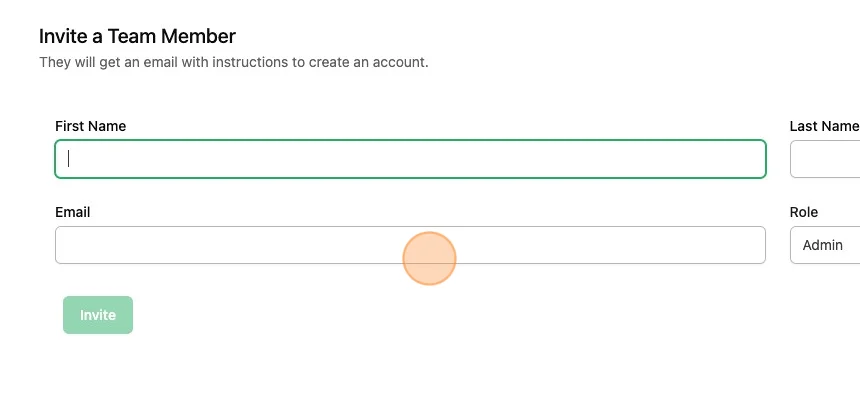
Section titled “Add A New User”Fill in the information to Invite a Team Member.
Clicking Invite will email that user enabling them to create an account.
Categories, Tags, Events
Section titled “Categories, Tags, Events”Here you will find the metadata for your organization._createMdxContent
Add New
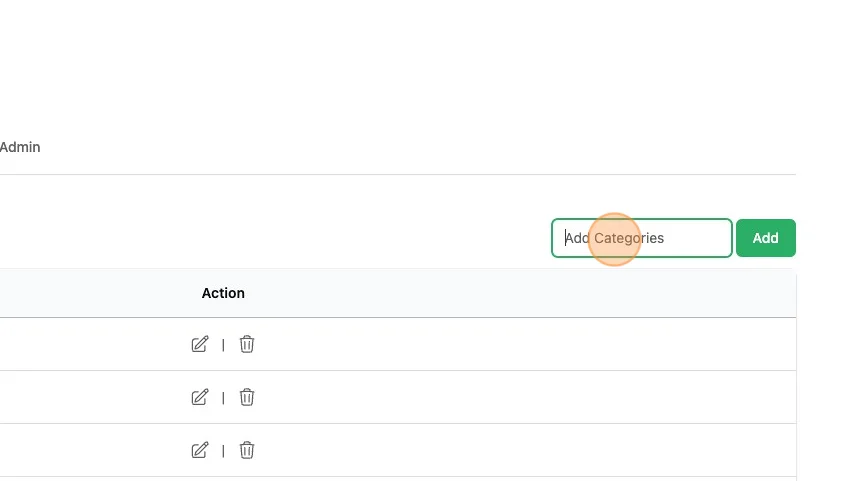
Section titled “Add New”In the top right of the table, you can add new metadata options.
Integrations
Section titled “Integrations”VAST Tag
Section titled “VAST Tag”See VAST Tag for more information.
Frame.io Integration
Section titled “Frame.io Integration”See Frame.io Custom Actions for more information.
Wordpress
Section titled “Wordpress”See Wordpress for more information. Modifying these settings will enable you how the Wordpress Plugin displays content.