
Reports
This page provides a step-by-step guide to setting up and configuring reports in ParOne. Reports enable you to quickly view how your videos are performing.
Running Reports
Section titled “Running Reports”Click on “Reports” in the sidebar, and Select the type of Report you’d like to run.
Creating a Report
Section titled “Creating a Report”-
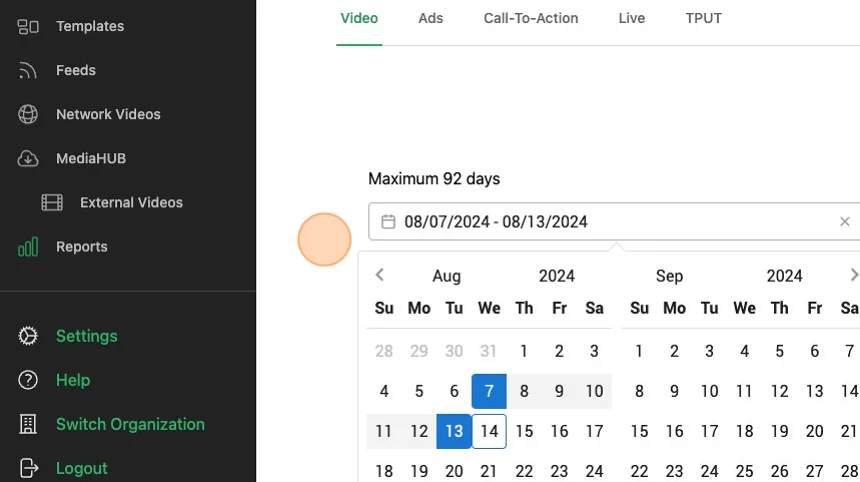
Select Daterange. The current length allowable is 92 days.
-
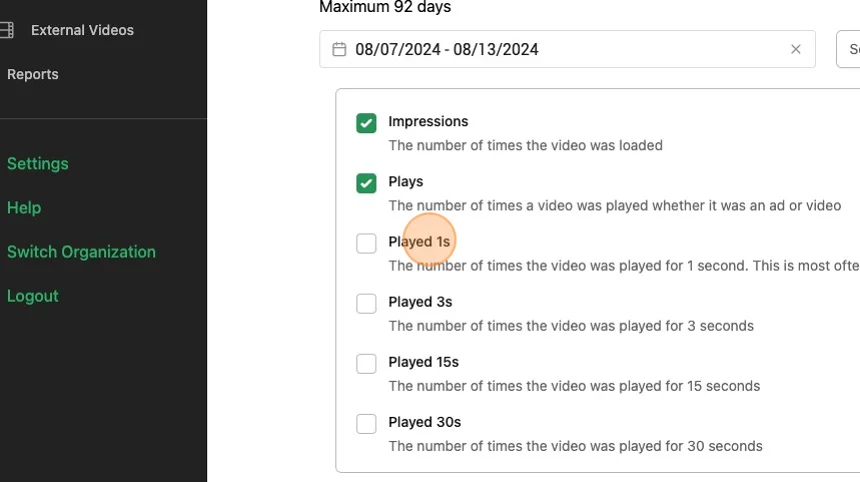
Select the checkbox for the metrics you would like to analyze
-
Click
Generateto generate the report. Please allow up to 2 minutes for the report to process.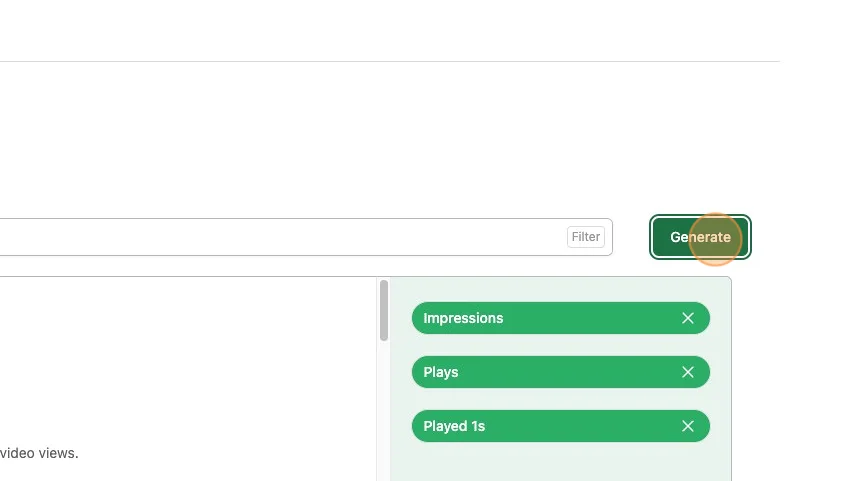
Analysis
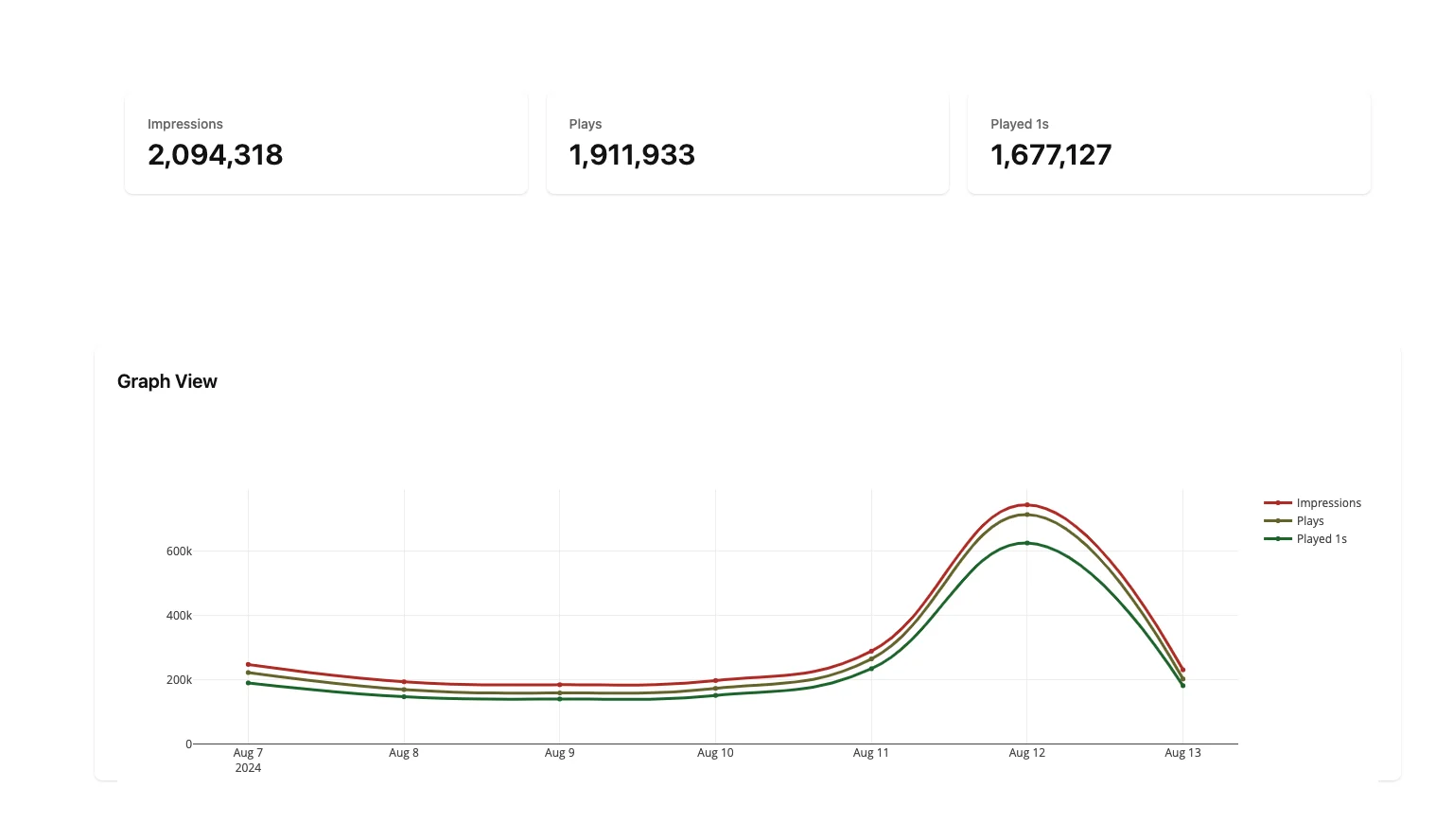
Section titled “Analysis”Reports will give you the summed stats (if available), a graph over the daterange, and a table of data.
 .
.
Downloading CSVs
Section titled “Downloading CSVs”You can download the analytics via CSV by clicking the Download CSV button.
 .
.